
Here is the link for our Google Classroom - Google Classroom Link
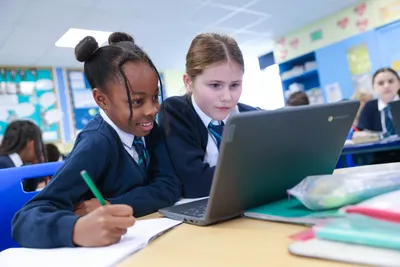
This is where you can find your homework and find any other work that has been set for you.
You will need your USO login, it looks a bit like this: name12.311
It is on a label at the back of your homework diary or reading record.
This is what you need to type in: name12.311@apps.saint-patricks.org.uk
and then your password.
Here are instructions with screenshots if you are still having trouble Instructions
This is slightly different from when you are working on the Chrome books at school as the @…. part is already entered.
Don’t forget to logout when you have finished.